Navigating virtual purchases can be tricky, especially in dynamic platforms like Roblox where millions of items are traded daily. Many busy US gamers, balancing work, family, and precious gaming time, often wonder about the possibility of refunds for items bought with Robux. With average gamers dedicating over 10 hours weekly and mobile gaming dominating a significant share, accidental purchases or buyer's remorse are common pain points. This comprehensive guide cuts through the confusion, offering clear, actionable information on whether you can refund Roblox items. We delve into Roblox's official policies, uncover the rare exceptions for accidental buys, explore developer-specific rules, and provide step-by-step advice for contacting support. Our aim is to empower you with the knowledge to make smarter purchasing decisions and understand your options, ensuring your hard-earned Robux are spent wisely. Discover the truths and myths surrounding Roblox refunds and learn how to navigate this popular virtual economy effectively.
Can you get your Robux back after buying an item?
A: Generally, no, direct refunds for items purchased with Robux are not supported by Roblox. Once Robux are spent on an item, it is typically a final transaction. However, there are very specific exceptions primarily related to accidental purchases or developer-side issues, which require contacting Roblox Support.
What is Roblox's official policy on item refunds?
A: Roblox's policy states that all purchases of virtual items are final. They do not offer refunds or exchanges for items bought in the Catalog or in games, unless there's a unique circumstance like an unauthorized transaction or a broken item. It's crucial for players to confirm purchases carefully.
Can accidental Roblox item purchases be refunded?
A: In very rare cases, Roblox Support may consider refunds for clearly accidental purchases, especially if they occur immediately and are reported promptly. This is not guaranteed and often depends on the specifics, such as parental account oversight for younger users. Proof of genuine accident is key.
How do I contact Roblox Support for a refund inquiry?
A: To contact Roblox Support, visit the Roblox Support page on their official website. Fill out the contact form, select the appropriate issue category (e.g., Billing & Purchases), and provide all necessary details about your purchase and the refund request. Be prepared with transaction IDs and item names.
Are developer game passes or items refundable on Roblox?
A: No, items like game passes, developer products, and clothing created by individual developers are generally not refundable through Roblox. Refunds for these specific items are entirely at the discretion of the game developer, not Roblox Corporation. Always check a developer's specific policies if they have them, which is rare.
Is there a time limit to request a refund for Roblox items?
A: While Roblox does not have a formal refund window for items, if you believe you qualify for one due to a rare exception (like an accidental purchase or unauthorized use), it is critical to report it to Roblox Support immediately. The sooner you report, the better your chances, though still slim.
What items are absolutely non-refundable on Roblox?
A: Almost all virtual items on Roblox are non-refundable. This includes avatar items, game passes, developer products, Robux itself once purchased (unless an unauthorized transaction), and subscriptions. Essentially, assume any purchase is final unless Roblox explicitly states otherwise in extreme circumstances.
Hey fellow gamers! We've all been there: a quick click, an impulse buy, or maybe just a moment of distraction, and suddenly you own a virtual item you didn't quite want, or worse, one that doesn't work as expected. In the bustling world of Roblox, where creativity and commerce collide, spending Robux on avatar outfits, game passes, or unique accessories is part of the fun. But what happens when that fun turns into regret? The burning question on many busy gamers' minds, especially those of us juggling careers and families, is simple yet complex: can you refund Roblox items?
As US gamers, we spend a significant chunk of our free time in virtual worlds – with 87% of us playing regularly and many averaging 10+ hours a week. For us, gaming isn't just about blowing off steam; it's about connecting with friends, building skills, or simply unwinding. When something goes awry with an in-game purchase, it can feel like a waste of precious time and money. This article is your straightforward guide to understanding Roblox's refund policies, identifying potential exceptions, and knowing what steps you can take. We'll cut through the confusion, provide practical advice, and help you navigate the Roblox economy with confidence. Let's get into the details so you can game smarter, not harder.
Can You Refund Roblox Items Generally?
The short answer, for most items purchased directly on the Roblox platform, is generally no. Roblox operates under a strict
Roblox item refunds are generally not possible once purchased with Robux. Exceptions are extremely rare, primarily for verified accidental purchases, unauthorized transactions, or platform-related item failures. Developer items or game passes are typically non-refundable and at the discretion of the creator. Contact Roblox Support immediately with detailed evidence for any potential refund inquiries. Prevention through careful purchasing and account security is crucial.
35


Can You Return Roblox Items A 2026 Guide . Map Of All The Continents . Can You Refund Items On Roblox In 2026 What You Need To Know How To Refund Items On. Can You Return Roblox Items A 2026 Guide . Can You Refund Items On Roblox In 2026 What You Need To Know How To Refund Items On Roblox Easy Guide


Can You Refund Items On Roblox In 2026 What You Need To Know How To Refund Roblox Items For Robux 1 . How To Get A Refund For Deleted Items On Roblox 2026 YouTube . Can You Refund Items On Roblox In 2026 What You Need To Know . CAN You Get A Refund On Roblox Items YouTube Hqdefault . UPDATED How To REFUND Items On Roblox 2026 Gamepasses UGC Robux


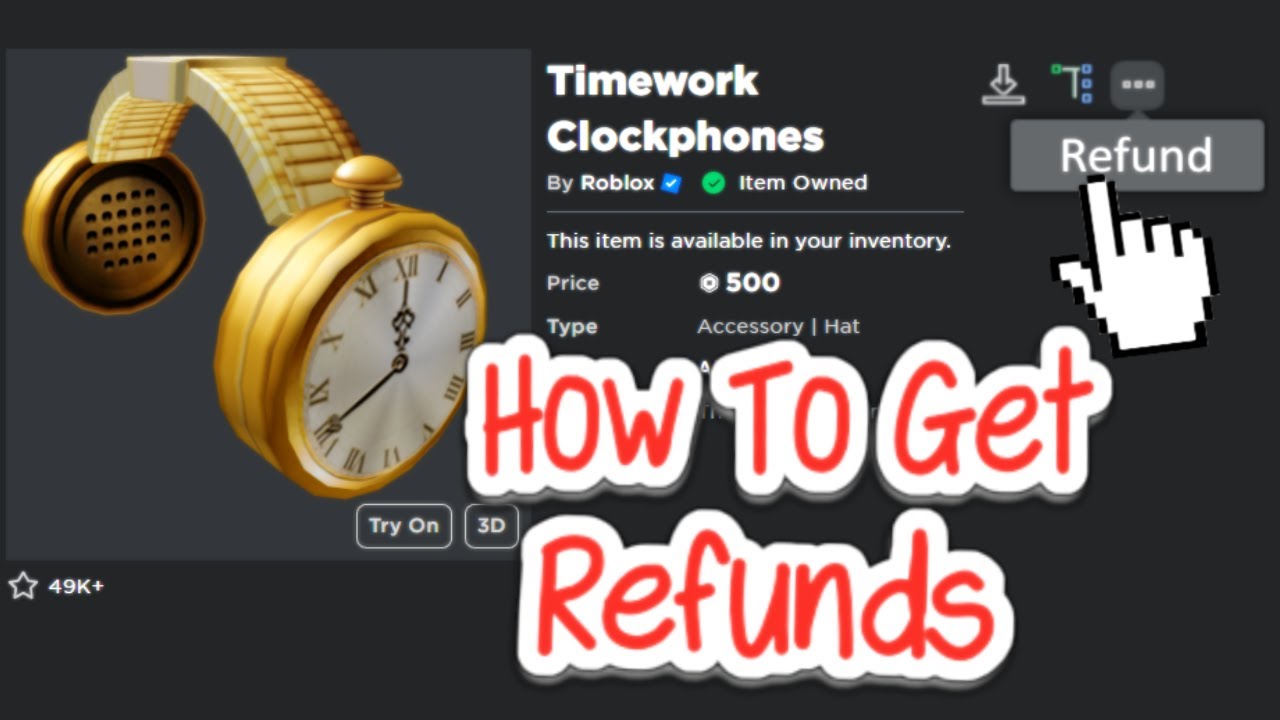
How To Refund Items On Roblox Step By Step Guide YouTube . How To Refund Items On Roblox Step By Step Tutorial 2026 YouTube . How To Refund Items On Roblox YouTube . How To REFUND ITEMS On ROBLOX To Get Robux Back 2025 YouTube . How To REFUND Items On Roblox YouTube


Can You Return Roblox Items A 2026 Guide Refund Items On Roblox Step 8 . Can You Get A Refund On Roblox YouTube . How To Refund Items On Roblox Easily YouTube . How To Refund Items In Roblox Full Guide YouTube . Roblox Gamepass Refunds What You Need To Know



Solved How To Refund Your Roblox Items All Available Methods How To Refund Items In Roblox.webp. How To Refund Items On The Roblox Avatar Shop GET ROBUX MONEY BACK 1678536672 . Roblox Refund Guide Get Your Robux Back . How To Refund Items On Roblox PC Mobile F35be174 67e7 4f71 Ba97 Webp.webp. Roblox Gamepass Refunds What You Need To Know 1666770097



Will My Pictures Be Deleted If I Reset All Settings Dibujos Cute Para . Can You Return Roblox Items A 2026 Guide Latest. Can You Return Roblox Items A 2026 Guide Drop Items In Roblox Step 6 Version 2 . How To Refund Items On Roblox A Step By Step Guide Here MiniTool How To Refund Items On Roblox Thumbnail . Can You Return Roblox Items A 2026 Guide




Roblox Buy Robux H Ng D N Chi Ti T Mua Robux L I Ch V C C L U Family Member Spent 100 On Roblox On Apple The Robux Has V0 . How To Refund Robux On Roblox 2023 Working Ways DowneLink Itams 1024x560 1 . How To Refund Items On The Roblox Avatar Shop YouTube Hqdefault . Roblox How To Get A Robux Refund YouTube . How You Can Refund Items On Roblox EASILY YouTube Hqdefault